How it works
✦ Nosnuuze Wake Band ✦
How To Use Your
Wake Band
Everything you need to charge, set up, and start waking up better — in plain English. Takes less than 5 minutes.
Charge Your Wake Band
Take out the inner module from the band and charge it fully before first use. It has a built-in USB connector.
Slide Out the Inner Module
The small electronic module slides out from the soft band. Push it out gently — it contains the display, vibration motor, and battery.
Plug In via USB
It has a built-in USB connector. Plug directly into any laptop or USB charger.
Slide Back & Wear
Once charged, slide it back into the band. Battery lasts 14+ days.
The Single Button Explained
Your Wake Band is controlled by one button. Each press cycles through different modes. Here's what each press does:
Set Your Alarm
Navigate to alarm setting mode and follow these steps. The band supports up to 7 alarm groups.
-
1Press the button until you reach Alarm Group 1 (5th press from home).
-
2Long press to enter alarm setting mode.
-
3Use the button to set: Hour Minutes Days
-
4Long button switches what you're setting. Short button increases the value.
-
5Set active days. ON = alarm active. OF = alarm off for that day.
-
6Short press and hold 3 seconds to save. Done!
Setting order is always: Hour → Minute → Day of week.
"Phone in another room. Wake Band on your wrist.
Only you feel it. Nobody else is disturbed."
Wear It & Wake Up Better
Phone in another room. Wake Band on your wrist. When the alarm fires, only you'll feel it.
Phone Goes in Another Room
Leave it charging in the hallway or kitchen. No blue light. No midnight notifications. Better sleep from night one.
Wear on Your Wrist
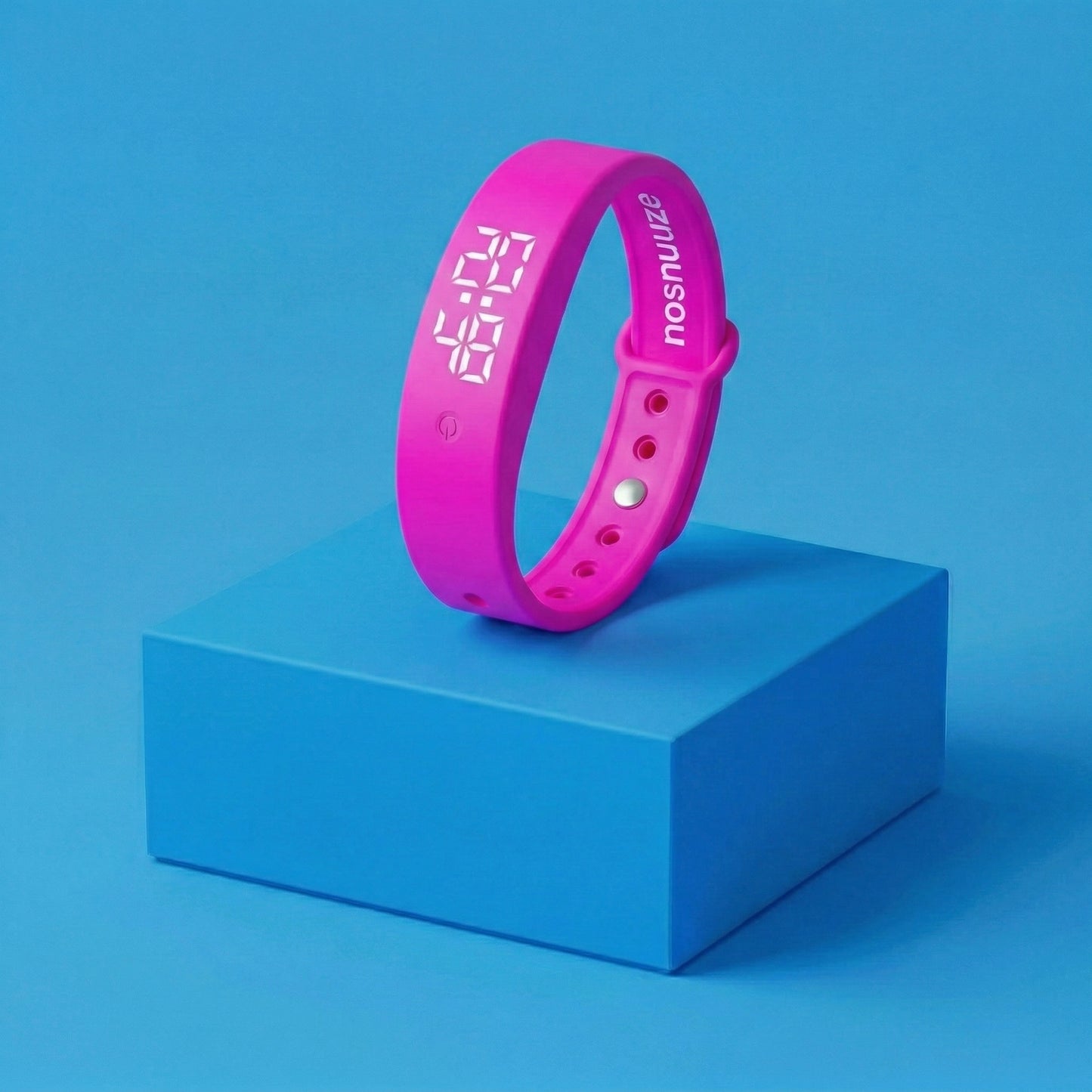
At only 17.7g with a soft TPU band, most users forget they're wearing it. Designed for overnight comfort.
Only You Wake Up
When your alarm fires, the band vibrates gently on your wrist. Your partner won't hear or feel a thing. Silent. Personal. Effective.
Body Temperature Tracking
Your Wake Band also measures body temperature using the armpit method. No extra setup needed.
How to Measure
1. Navigate to 2nd Press mode
2. Remove the inner module from the band
3. Place under armpit, hold still
4. Band vibrates as reminder
5. Temperature shows after ~3 min
Reading Guide
Troubleshooting & FAQ
-
⚡No reaction when pressing? Battery is low — charge the module via USB first.
-
🔔Alarm set but no vibration? Check battery, confirm alarm is ON, and verify date/time are correct.
-
📅Alarm not going off on the right day? Double-check the year, date, and alarm day settings on the band.
-
🔄Something not working? Hold the button for 30+ seconds to reset. Note: all data is lost after resetting.
-
🌡️Temperature seems off? Keep still under armpit and compare with a standard thermometer to calibrate.
-
📱Does it need an app or Bluetooth? No — never. The Wake Band is completely standalone. No phone required, ever.


The Wake Band
The Wake Band


LIMITED OFFER
70% of Customers Add these

Charger

Storage case
Trusted by 10,000+ Sleepers just like you.